Overview
The AMR Shiny dashboard (amRshiny) is a visualization tool for
exploring antimicrobial resistance patterns. It is designed to ingest
genome metadata from amRdata and custom ML outputs
generated by the amRml package and provide interactive
exploration of model performance, predictive features, and genome
isolate metadata. This allows researchers to compare results across
species, drugs/drug classes, molecular scales, and other biologically
relevant attributes (e.g., country, time).
Running the dashboard
Install the package, then launch the app:
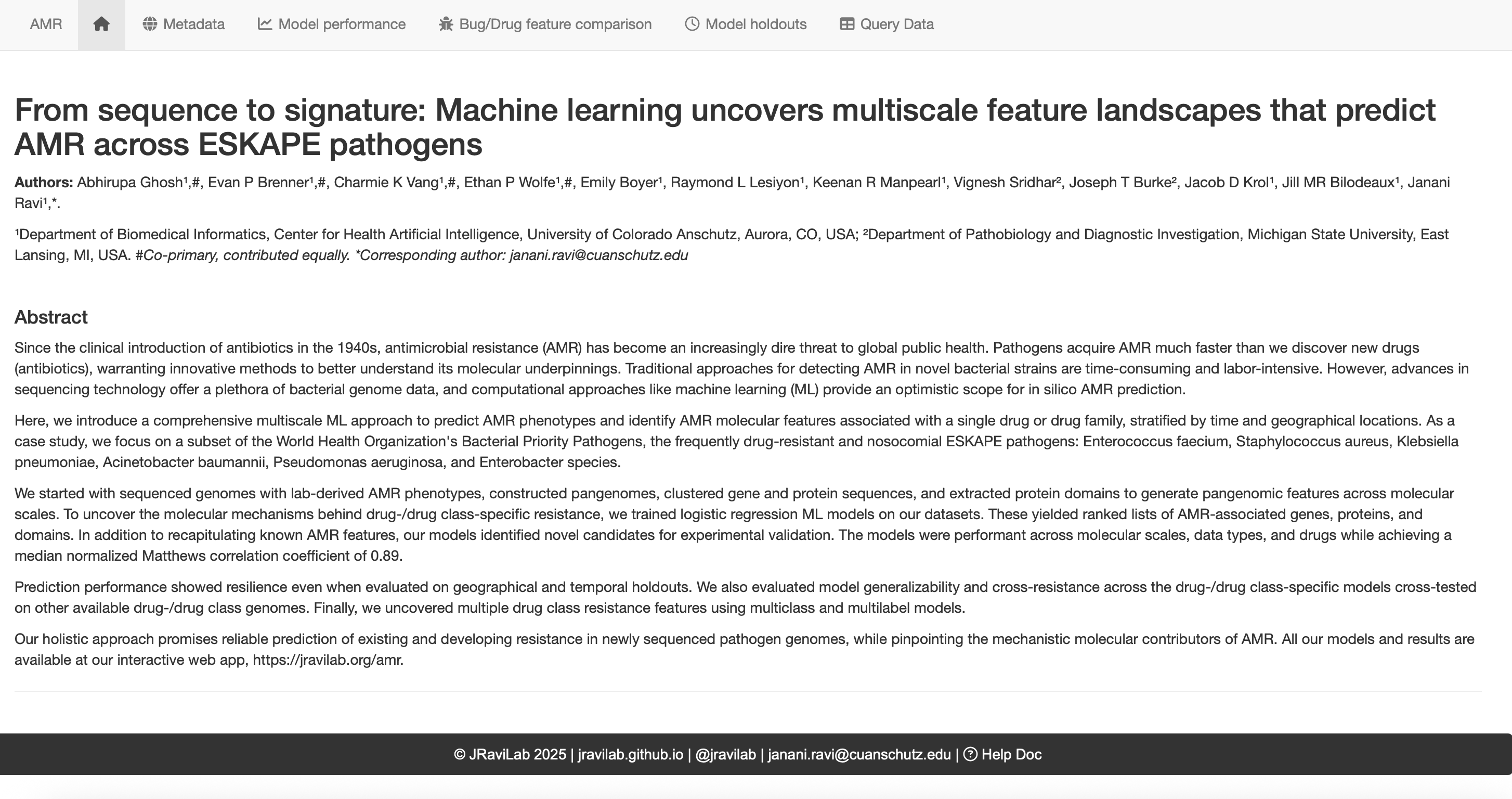
Once the app opens, you should see the AMR Dashboard in your browser.
Using the dashboard
The dashboard is organized into tabs. Each tab shows a different view of the AMR data (e.g., Metadata summaries, Model Performance, or Bug/Drug feature comparisons). Use the filters on each page to update the corresponding plots accordingly.
Common filters include: - Bug/Species - Drug or Drug class - Model scale (i.e. genes, domains, proteins) - Data type (i.e. binary, count)
Questions you can explore
- Which molecular scale performs best for a given bug–drug combination?
- Which features are conserved across drugs or species?
- Do model features shift across geography or time?
Dashboard tabs
The dashboard is organized into five tabs.
Metadata
Explore AMR surveillance metadata for a selected species. Visualizations summarize phenotypes, countries of isolation, hosts, sources, and temporal trends. Data cards provide quick counts of genomes, drugs, drug classes, and other key summaries.
Model performance
Compare model performance across species and drug classes. Select a drug class to filter available drugs, choose a drug and data type (binary or count), and view side‑by‑side performance summaries. Boxplots show performance distributions for the class, with overlaid points for the selected drug.
Bug/Drug feature comparison
Investigate important predictive features across species or
drugs.
- Across bugs: compare ranked COGs for a given
drug/class across selected species, with links to COG and NCBI HMM
annotations.
- Across drugs: within a species, compare top COGs
across drugs or classes.